MailSlurp Ruby Client
MailSlurp Ruby Client
Create real email addresses on demand. Send and receive emails and attachments from code and tests using Ruby.
MailSlurp is an email API service that lets you create real email addresses in code. You can then send and receive emails and attachments in Ruby applications and tests.
Quick links
- API documentation
- Method Documentation
- Gem Package
- Github Source
- SMTP access details
- Send email in Ruby with SMTP
Common controllers
- Email controller send and receive emails
- Inbox controller create and manage email addresses
- WaitFor controller wait for expected emails to arrive
Example tutorials
Get started
This section describes how to get up and running with the Ruby client.
See the examples page for more examples and use with common frameworks such as Rails and RSpec.
See the method documentation for a list of all functions
Create API Key
First you'll need an API Key. Create a free account and copy the key from your dashboard.
Ruby requirements
The MailSlurp client requires Ruby 2.x or 3.x and the ruby-dev package. You most likely have these packages but if not:
sudo apt-get install ruby-dev
Install Gem
gem install mailslurp_clientOr in your Gemfile:
source "https://rubygems.org"
gem 'mailslurp_client'gem 'typhoeus'
And then run bundler install:
gem install bundlerbundle installLibcurl requirements
You may need to install typhoeus if you encounter libcurl errors.
gem 'typhoeus'Configure the client
require 'mailslurp_client'
MailSlurpClient.configure do |config|  config.api_key['x-api-key'] = ENV['API_KEY']end
Create controllers
To call the API create a controller like this:
inbox_controller = MailSlurpClient::InboxControllerApi.newCommon uses
MailSlurp can be used for anything email related: sending and receiving emails, creating email addresses, or testing email processes.
Here are some common uses:
Create inboxes
To use MailSlurp you need to create inboxes. These are email accounts that have an ID and a real email address. See methods on the inbox controller for more information.
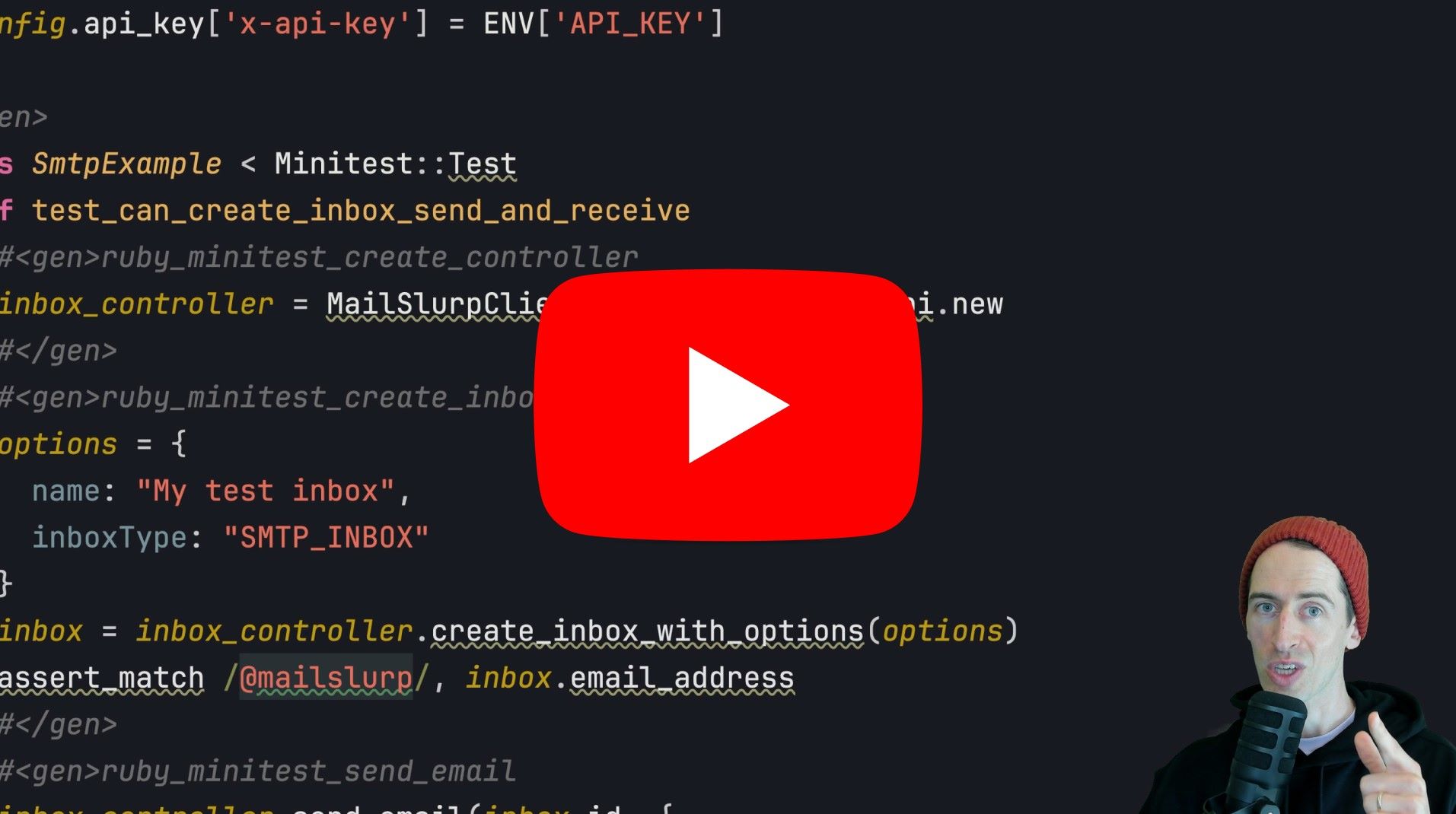
options = { name: "My test inbox", inboxType: "SMTP_INBOX"}inbox = inbox_controller.create_inbox_with_options(options)assert_match /@mailslurp/, inbox.email_addressIn a test:
it 'can create email addresses' do    inbox_controller = MailSlurpClient::InboxControllerApi.new    inbox = inbox_controller.create_inbox
    expect(inbox.id).not_to be_nil    expect(inbox.email_address).to include("mailslurp.com")end
More options
The create_inbox method has some limitations in the Ruby client. To create inboxes with more options use the alternative
create_inbox_with_options method. (This uses a request body instead of query parameters.)
it 'can an inbox with tags' do    inbox_controller = MailSlurpClient::InboxControllerApi.new    # create an inbox with tags    inbox = inbox_controller.create_inbox_with_options({      tags: ['t1','t2'],      description: "test with tags",      name: "test name"    })
    # has tags    expect(inbox.id).to be_truthy    expect(inbox.description).to be_truthy    expect(inbox.name).to be_truthy    expect(inbox.tags).to include('t1')    expect(inbox.tags).to include('t2')
    # can update tags    inbox_updated = inbox_controller.update_inbox(inbox.id, {      tags: ['newtag']    })    expect(inbox_updated.tags).to eq(['newtag'])end
Inbox types
Inboxes can be either SMTP or HTTP type. Set the inbox type using the inboxType property. SMTP inboxes are handled by a custom mailserver and support a wide range of clients while HTTP inboxes use Amazon SES and don't support some older clients like Outlook. SMTP inboxes are recommended for public facing email addresses while HTTP inboxes are best for application testing. Please see the guide on types of inboxes for more information.
Configure NET/SMTP access
SMTP type inboxes allow SMTP and IMAP access using unique host, port, password, and username. Use the inbox_controller.get_imap_smtp_access method to access SMTP credentials. Then configure net/smtp in Ruby to send email using SMTP.
it 'can send email using SMTP' do  inbox_controller = MailSlurpClient::InboxControllerApi.new
  # create two inboxes  inbox1 = inbox_controller.create_inbox_with_options({ inboxType: 'SMTP_INBOX' })  inbox2 = inbox_controller.create_inbox
  expect(inbox1.email_address).to include('@mailslurp.mx')
  # get smtp access for inbox  smtp_access = inbox_controller.get_imap_smtp_access({ inbox_id: inbox1.id })
  # compose email  message = <<~MESSAGE_END    From: #{inbox1.email_address}    To: #{inbox2.email_address}    Subject: Test smtp email
    This is a test  MESSAGE_END
  # configure SMTP with host port and "PLAIN" authentication  Net::SMTP.start(smtp_access.smtp_server_host, smtp_access.smtp_server_port, 'greeting.your.domain',                  smtp_access.smtp_username, smtp_access.smtp_password, :plain) do |smtp|    # send email    smtp.send_message message, inbox1.email_address, inbox2.email_address  end
  # now confirm email was sent  wait_for_controller = MailSlurpClient::WaitForControllerApi.new  email = wait_for_controller.wait_for_latest_email({ inbox_id: inbox2.id })  expect(email.subject).to include("Test smtp email")end
List inboxes
Inboxes you create can be listed in a paginated way using the InboxController).
it 'can list inboxes' do    inbox_controller = MailSlurpClient::InboxControllerApi.new    paged_inboxes = inbox_controller.get_all_inboxes({ page: 0, size: 20 })
    # assert on pagination fields    expect(paged_inboxes.content).not_to be_empty    expect(paged_inboxes.number).to be(0)    expect(paged_inboxes.size).to be(20)
    # can access inbox result    expect(paged_inboxes.content[0].id).not_to be_emptyend
Send emails
You can send HTML emails easily with the inbox controller. First create an inbox then use its ID with the send_email method.
inbox_controller.send_email(inbox.id, { to: [inbox.email_address], subject: "Hello", body: "Welcome. Your code is: 123456",})To send attachments see the Method Documentation.
# create an inboxinbox_controller = MailSlurpClient::InboxControllerApi.newinbox = inbox_controller.create_inbox
# send an email from the inboxinbox_controller.send_email(inbox.id, {    send_email_options: {        to: ["test@example.org"],        subject: "Test",        isHTML: true,        body: <<-HEREDOC          <h1>Hello!</h1>          <p>MailSlurp supports HTML</p>        HEREDOC    }})
You can also use objects for most method options:
opts = { send_email_options: MailSlurpClient::SendEmailOptions.new( { to: [inbox_2.email_address], subject: 'Test email', from: inbox_1.email_address, body: 'Test email content', is_html: true, attachments: attachment_ids } )}inbox_controller.send_email(inbox_1.id, opts)Send with SMTP
    require 'net/smtp'    access_details = inbox_controller.get_imap_smtp_access(inbox_id: inbox.id)    Net::SMTP.start(      address= access_details.secure_smtp_server_host,      port= access_details.secure_smtp_server_port,      helo= inbox.email_address.match(/@(.+)/)[1],      user= access_details.secure_smtp_username,      secret= access_details.secure_smtp_password,      authtype= :plain    ) do |smtp|      message = <<EOFSubject: SMTP test
This is my bodyEOF      smtp.send_message message, inbox.email_address, inbox.email_address      smtp.finish    end
Receive emails
To read already existing emails use the Email Controller. To wait for expected emails to arrive use the WaitFor Controller. You can use MailSlurp to wait for at least 1 unread email in an inbox and return it. If a timeout is exceeded it will throw an error instead:
wait_for_controller = MailSlurpClient::WaitForControllerApi.newwait_options = { inbox_id: inbox.id, timeout: 120000, unread_only: true}email = wait_for_controller.wait_for_latest_email(wait_options)assert_match /Welcome/, email.bodyExtract email content
code = email.body.match(/Your code is: ([0-9]{6})/)[1]assert_equal code, '123456'To parse an email and extract content use regex patterns like so:
wait_controller = MailSlurpClient::WaitForControllerApi.newemail = wait_controller.wait_for_latest_email({ inbox_id: inbox.id, unread_only: true, timeout: 30_000 })
# assert the email is a confirmation expect(email.subject).to include("Please confirm your email address")
# extract a 6 digit code from the email bodymatch = email.body.match(/code is ([0-9]{6})/)if match == nil then  raise "Could not find match in body #{email.body}"end code, * = match.captures
Attachments
You can send attachments by first uploading files with the AttachmentControllerApi then using the returned attachment IDs in the send email method.
MailSlurp endpoints use base64 string encoding for upload and download files. To encode or decode strings in Ruby make sure you use the strict variables that avoid added newlines.
Upload and send
# upload a file to mailslurp to use as attachment# @return [Array<String>]def upload_file# read a file to uploaddata = File.open(PATH_TO_ATTACHMENT).read
# encode the data as base64 string (must be strict to avoid ruby adding new line characters)encoded = Base64.strict_encode64(data)
attachment_controller = MailSlurpClient::AttachmentControllerApi.newupload_options = MailSlurpClient::UploadAttachmentOptions.new(  {    base64_contents: encoded,    content_type: 'text/plain',    filename: 'attachment.txt'  })
# return list of attachment idsattachment_controller.upload_attachment(upload_options)end
To send attachments
attachment_ids = upload_file
opts = {  send_email_options: MailSlurpClient::SendEmailOptions.new(    {      to: [inbox_2.email_address],      subject: 'Test email',      from: inbox_1.email_address,      body: 'Test email content',      is_html: true,      attachments: attachment_ids    }  )}inbox_controller.send_email(inbox_1.id, opts)
Download received attachments
 # wait for the email to arrive (or fetch directly using email controller if you know it is there)wait_opts = {  inbox_id: inbox_2.id,  timeout: 30_000,  unread_only: true}email = wait_controller.wait_for_latest_email(wait_opts)
# find the attachments on the email objectexpect(email.attachments.size).to be(1)
# download the attachment as base64 (easier than byte arrays for ruby client)email_controller = MailSlurpClient::EmailControllerApi.newdownloaded_attachment = email_controller.download_attachment_base64(email.id, email.attachments[0])
# extract attachment contentexpect(downloaded_attachment.content_type).to eq("text/plain")expect(downloaded_attachment.size_bytes).to be_truthyexpect(downloaded_attachment.base64_file_contents).to be_truthy
Examples
Send email between two inboxes
It is common to use MailSlurp in test environments. Here is an example RSpec test:
require 'mailslurp_client'
# read mailslurp api key from environment variablesAPI_KEY = ENV['API_KEY']
describe 'use MailSlurp ruby sdk to create email addresses then send and receive email' do  before(:all) do    expect(API_KEY).to be_truthy
    # configure mailslurp with API key    MailSlurpClient.configure do |config|      config.api_key['x-api-key'] = API_KEY    end  end
  it 'can an inbox with an email address' do    # create a new email address    inbox_controller = MailSlurpClient::InboxControllerApi.new    inbox = inbox_controller.create_inbox
    # has a mailslurp email address    expect(inbox.id).to be_truthy    expect(inbox.email_address).to include('@mailslurp.com')  end
  it 'can send and receive emails' do    inbox_controller = MailSlurpClient::InboxControllerApi.new    wait_controller  = MailSlurpClient::WaitForControllerApi.new
    # create two inboxes    inbox_1 = inbox_controller.create_inbox    inbox_2 = inbox_controller.create_inbox
    # send email from inbox 1 to inbox 2 (you can send emails to any address)    # for send options see https://ruby.mailslurp.com/MailSlurpClient/SendEmailOptions.html    opts = {      send_email_options: MailSlurpClient::SendEmailOptions.new(        {          to: [inbox_2.email_address],          subject: 'Test email',          from: inbox_1.email_address,          body: 'Test email content',          is_html: true        }      )    }    inbox_controller.send_email(inbox_1.id, opts)
    expect(inbox_2.id).to be_truthy
    # now wait for the email to arrive    wait_opts = {      inbox_id: inbox_2.id,      timeout: 30_000,      unread_only: true    }    email = wait_controller.wait_for_latest_email(wait_opts)    expect(email.body).to include('Test email content')  endend
SDK Documentation
See the examples page or the full Method Documentation on Github.